Your wedding website, from the first details to the final RSVP.
A wedding website gives guests one place to find your schedule, travel details and RSVP. With Aisle, you can build and preview your site for free, then start membership to publish it and collect replies.
Free to build. Publish with a 7-day free trial, then $19.99 USD/month. Card upfront; cancel any time.
Create a wedding website your guests can use
Start with your wedding
Add your names, date and venue, including a venue you have already booked. Write a welcome and add your photos.
Make the details useful
Add your schedule, RSVP instructions, travel notes and places to stay. Link to external registries and explain the dress code.
Preview, then share
Check your pages before publishing. Start membership when you are ready to publish and share your website address with guests.
Wedding website examples, using one real wedding
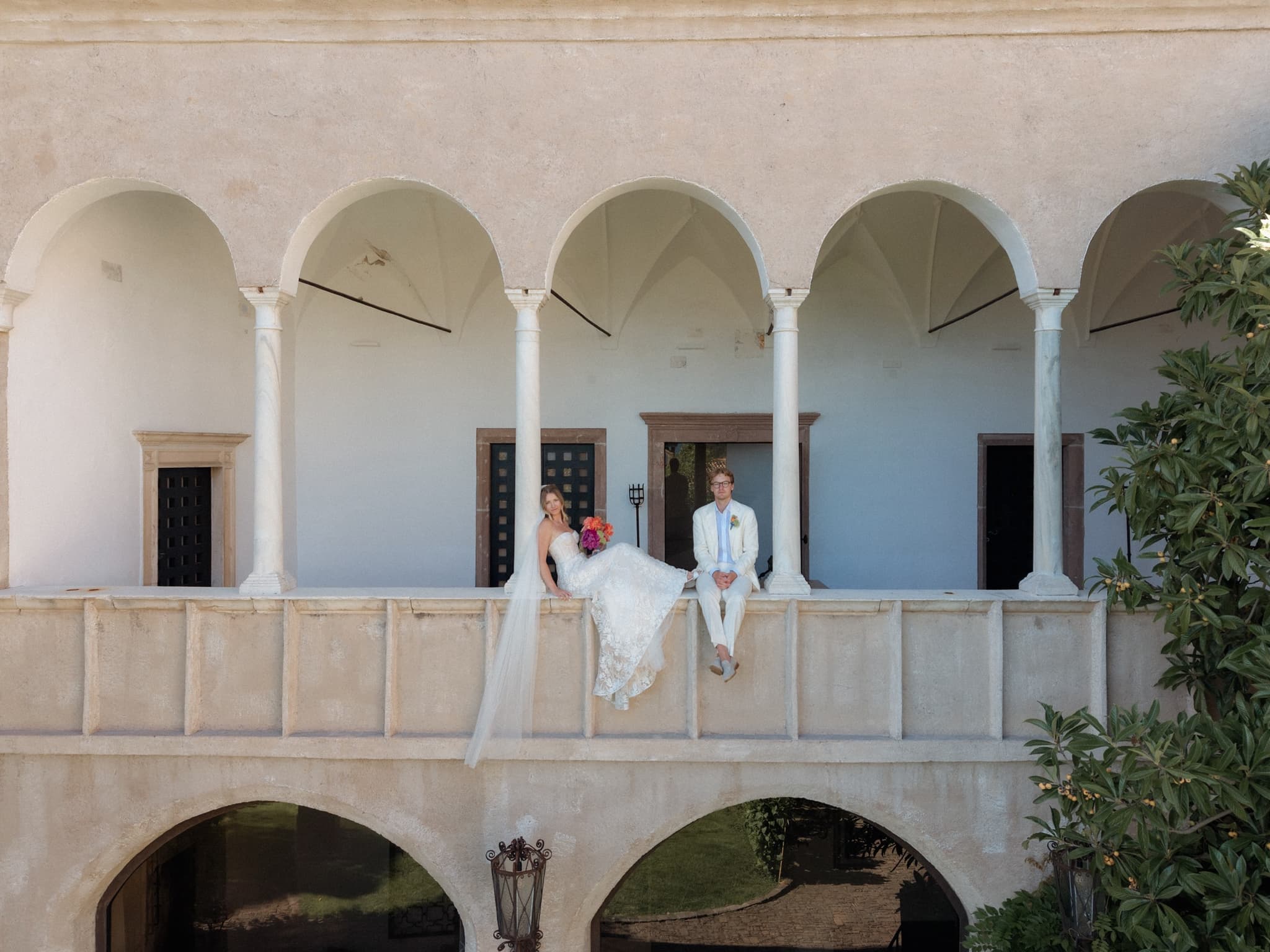
The gallery shows 10 custom API designs for Walt and Perrie’s wedding. These are different layouts for the same founders’ wedding, separate from the standard editor’s templates and from designs made in the Elena studio.
Walt & Perrie, daylight
Walt & Perrie, night
Wedding photography by Lukas Hanifle. The public example site includes sample guest interactions.
Explore all wedding website examples →Choose a theme or design with Elena
Use the standard editor to change your theme, colors, fonts, spacing and photos. Keep your wedding details in the editor as your plans develop.
For a custom design, open Design with Elena in the website studio. Describe what you want, review the draft and ask for changes before publishing. Design credit is separate from the monthly membership.
How Design with Elena works →RSVPs and planning, connected to your guest list
Organize guests into groups and invite them to the right events. Guests can reply, choose meals and check their own schedule from your website.
Keep your guest list, seating, budget and planning details in Aisle. Send updates and read replies in your inbox. Guest texting starts with your first membership payment.
See the planning tools →Try a sample guest reply
Your invitation
Perrie + Walt invite you to the Dolomites
Castel Fragsburg · 5 June 2027
A demonstration with sample dates, meals and room prices. Replies are not saved and payments are not taken.
A place for destination wedding details
For guests travelling to your wedding, put the schedule, travel notes and accommodation in one place. Explain how to get there and where each part of the celebration happens.
When you are arranging guest rooms, add them to Aisle and connect your Stripe account. Guests can book and pay through your site, with an Aisle fee of 5% that you can cover or pass on.
See how guest room booking works →What your wedding website costs
| Build and preview | Free, with no card required. |
|---|---|
| Publish your website | $19.99 USD per month after a 7-day free membership trial. Card upfront; cancel any time. Returning subscribers do not receive another trial. |
| Design with Elena | Membership includes a one-time $10 USD starting design credit per wedding. Design requests use that balance; additional $10 or $25 USD top-ups are separate purchases. This is not a monthly credit allowance. |
| Custom domain | Connect a domain you own with membership. Buying a domain through Aisle is a separate annual charge, quoted before purchase. |
| Room payments | Guests pay through your connected Stripe account. Aisle charges 5%; you can absorb the fee or pass it to guests. |
| External registries | Link to a registry elsewhere. That provider handles purchases and its own terms. |
Plan your wedding website
See annotated layouts and wording from one founders’ wedding.
Compare free publishing, trials, domains and payment fees.
Choose an address and check purchase, connection and renewal.
Decide what to include and when to share it.
Set invitations, meal choices and permitted companions.
Choose email, text or supported WhatsApp delivery.
Prepare contacts and review people and households.
Compare standard templates with a separate custom design.
Understand invitation entry, privacy and branding.
Compare the guest tasks and browser experience.
Explain reservation routes, payment recipients and fees.
See different custom designs using the same founders’ wedding details.
Describe your idea, preview a custom design and choose when to publish.
Give guests a scannable link to your wedding website.
Find a dress-code page to help guests decide what to wear.
Read the product comparisons before choosing your website builder.
Connect your Aisle wedding to a supported assistant.
Wedding website questions
Can I make a wedding website for free?
Yes. Build and preview your Aisle website without a card. Publishing requires membership: $19.99 USD per month after a 7-day free trial, with a card upfront. Cancel any time. Returning subscribers do not receive another trial.
What should I put on my wedding website?
Start with your names, wedding date, venue, schedule and RSVP instructions. Add travel and accommodation details, dress codes, registry links and answers to the questions guests need before booking their trip.
Do I need to book my venue through Aisle?
No. You can add a venue you have already booked and use Aisle for your wedding website, guest list, RSVPs and room plan.
Can different guests see different events?
Yes. Organize guests into groups and invite them to the events they should attend. Each guest sees their own event schedule and can reply to their invitations.
Can Elena design my whole wedding website?
Yes. Design with Elena is a separate chat in the website studio for creating a custom design. The standard editor also lets you change themes, fonts, colors, spacing and photos. Membership includes a one-time $10 USD starting design credit per wedding. Design requests use that balance; additional $10 or $25 USD top-ups are separate purchases. This is not a monthly credit allowance.
Can guests book and pay for rooms?
Yes. With membership, add your rooms and connect your Stripe account so guests can book and pay through your wedding site. Aisle charges 5% on these payments; you choose whether to cover it or add it to the guest total.
Start with your names. Add the details as you go.
Free to build. Membership is required to publish.