
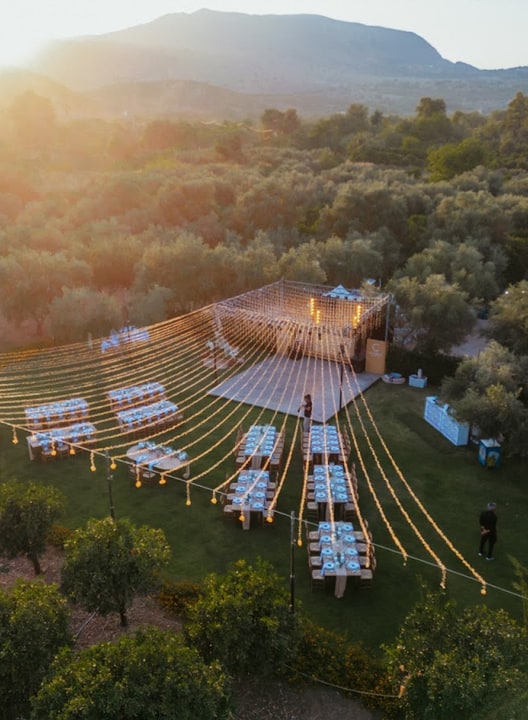

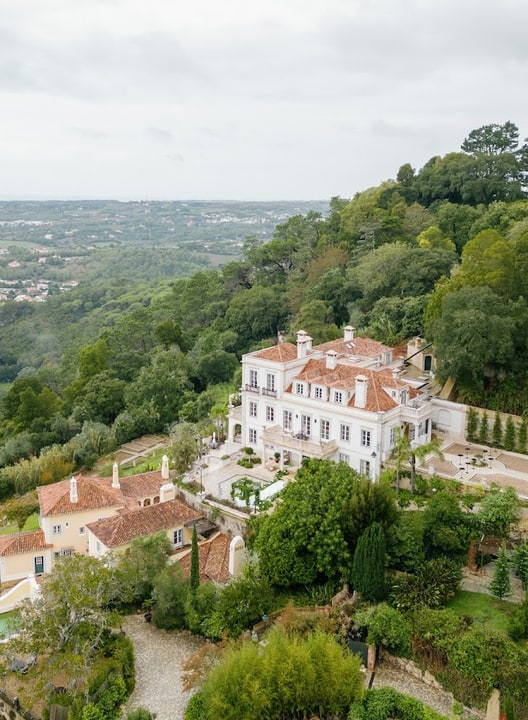
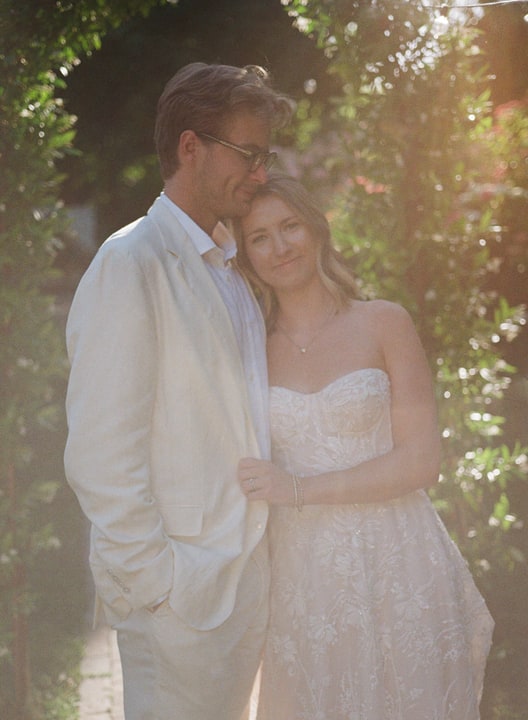

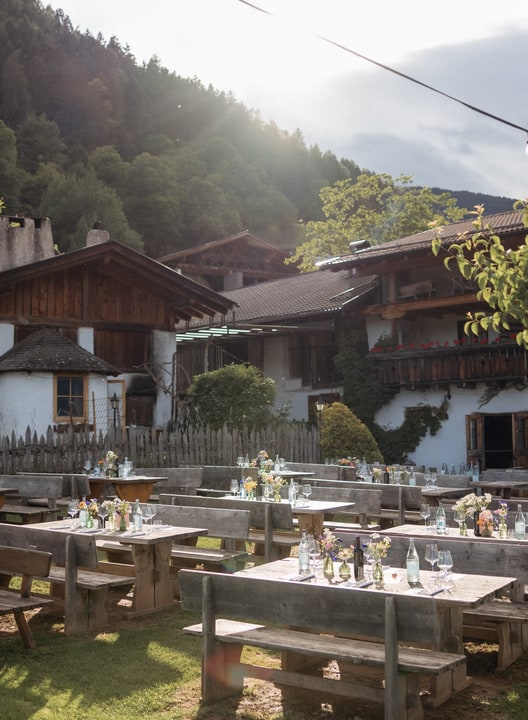
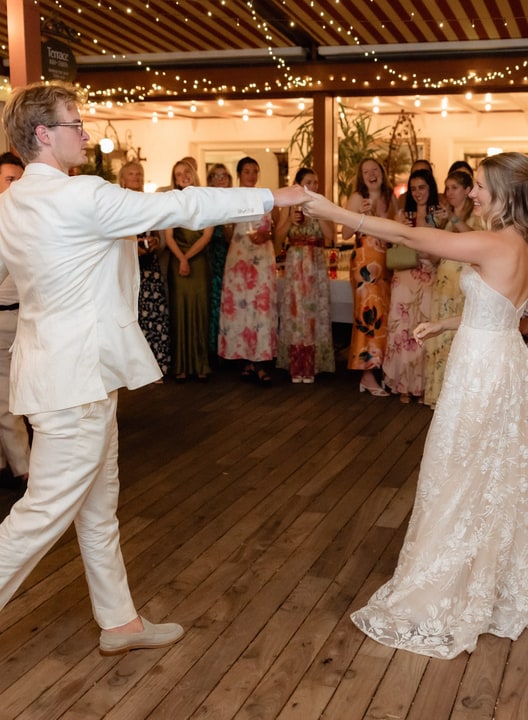
Nearly 2,400 weddings.

Wedding planning is a lot. For about eighteen months you become a full-time event planner, and every decision, from the venue to the food, shapes what your guests experience.
Our goal with Aisle is simple: take the administrative and organizational work off your plate, so you have more time for the decisions that really shape the weekend.
How are we doing that?
Elena started as a very simple idea: give her your guest list and she uploads it and tells you who has RSVP’d. She has come a long way since. She can now manage almost anything for your wedding. Your guests can text her to find out when the events are, and you can text her to add a task. Most recently, we’ve been teaching Elena the creative side. She is now the main way to design your Aisle website, and she can build what you imagine from the ground up. Dream it up, tell Elena to build it, and enjoy.
At its core, Aisle is a new kind of company. Everything we do with our couples and partners is very human. We often answer support in under five minutes, and we’re on calls with venues every day. How do we have time? Underneath, Aisle runs on automated systems that let us build very fast: we ship hundreds of improvements every month to help you plan your wedding. We believe AI can build better systems for a more human world. Weddings are the perfect example: we’re making it easier to bring everyone you love together for a weekend, often in another country.
We now have nearly 2,400 weddings on Aisle, with over 300 added in the last week.
As always, please send us feedback, and tell us what you’d like us to build next. Write to walt@aisle.wedding; it comes straight to us.
Here is everything that shipped between 18 September and 18 October.
Elena
Elena designs your whole site. Design with Elena is open to every wedding. Describe what you want in a chat and watch her build it. You can bring back any earlier version, and every wedding starts with $10 of design credit.
Sections move. Elena can rearrange the sections on a site she designed, and so can you.
One conversation. Elena follows you from Today across the dashboard, with a New chat button when you want a fresh start.
Ready when you are. Today tells you when an Elena design is waiting and opens it in one tap.
Addresses, saved. When guests text Elena their mailing address, she saves it to your guest list.
Your website
Fourteen templates, open to everyone and switchable from inside the editor.
Remove what you don’t need. Take out the sections you aren’t using and add them back later.
Your own media. A library for your own drawings and videos, and photo slots that can hold a video.
New layouts. The weekend as rows, a timeline or cards. Rooms as a list, a gallery or a feature. A scrolling photo strip.
The cover. Names in script, changed by clicking them. The sign-in page and the home header can use different photos.
Guests’ photos. Guests can add their own photos to your gallery.
Around town. A map of the places you recommend.
Guests and RSVPs
Know the moment a guest replies. Get an email or a text when someone RSVPs or changes their answer, set separately for each partner. Turn it on in Settings.
A better RSVP form. Yes-only replies, headings, file uploads and required questions.
Questions for a group. Ask a question of one group of guests, not only of everyone invited to an event.
Ticketed events. A ticketed event can ask its own RSVP, and only guests who say yes pay.
The guest list. Sort by any column and filter from the counts. Households share an address, and imports keep households and plus-ones together.
Ask the group. Share a shortlist of venues and let family and friends vote.
Planning
Seating, rebuilt. Rooms, named tables and placement seat by seat, for every event.
Tasks and Settings. A new Tasks page, and Settings sorted into six tabs.
All-day items on the schedule, for travel days and free days.
Invite your partner by text.
A cleaner dashboard across Guests, Schedule, Stays, Budget, Vendors and Messages.
Rooms and payments
You choose what an RSVP waits for. Tickets can be paid later, and guests can request rooms when they reply.
Where guests are staying. Guests can tell you, and only guests in your room block are offered a room.
Arrivals. Guests add their flights and say whether they need a ride. You see it all under Stays, Arrivals.
Receipts. Guests get receipts for rooms, gifts and tickets.
Room lists. Optional emails telling guests which room they’re in, and room lists you can export to Excel.
Messages
A two-pane inbox. Messages now reads like your email.
WhatsApp abroad. Guests abroad get messages on WhatsApp, and any text that doesn’t go through is sent again there.
Vendors in your thread. When a vendor or venue replies by email, it lands in your thread, and either side can send files.
For venues
Invite your couples. Bring the couples who have booked you onto Aisle.
A new portal. Edit your whole listing, and let Elena draft replies in your voice.
Visits and quotes. Edit, reissue or withdraw them.
Better inquiries. Each one shows the couple’s month, party size and budget.
Venue pages lead with key facts and video tours.
Aisle in Claude and ChatGPT
Plan from the assistant you already use. Add Aisle in Claude or ChatGPT and sign in once with your Aisle account. That’s the whole setup.
Then just ask. Find venues in Italy for 80 guests in late June. Which photographers work near Ravello in shoulder season? Estimate a budget for 50 guests in Bali. Who hasn’t replied yet? Add a welcome dinner on Friday at 7.30pm at the villa.
It works on your real wedding. Guests, RSVPs, events and wedding details are read and updated in place, so whatever you change in Claude or ChatGPT is on your dashboard straight away. Venue search, budget and travel estimates, timelines and checklists work even before you sign in.
Walt & Perrie